TIFF Splitter
Online tool to split TIFF | Secure & private, your files never leave your device
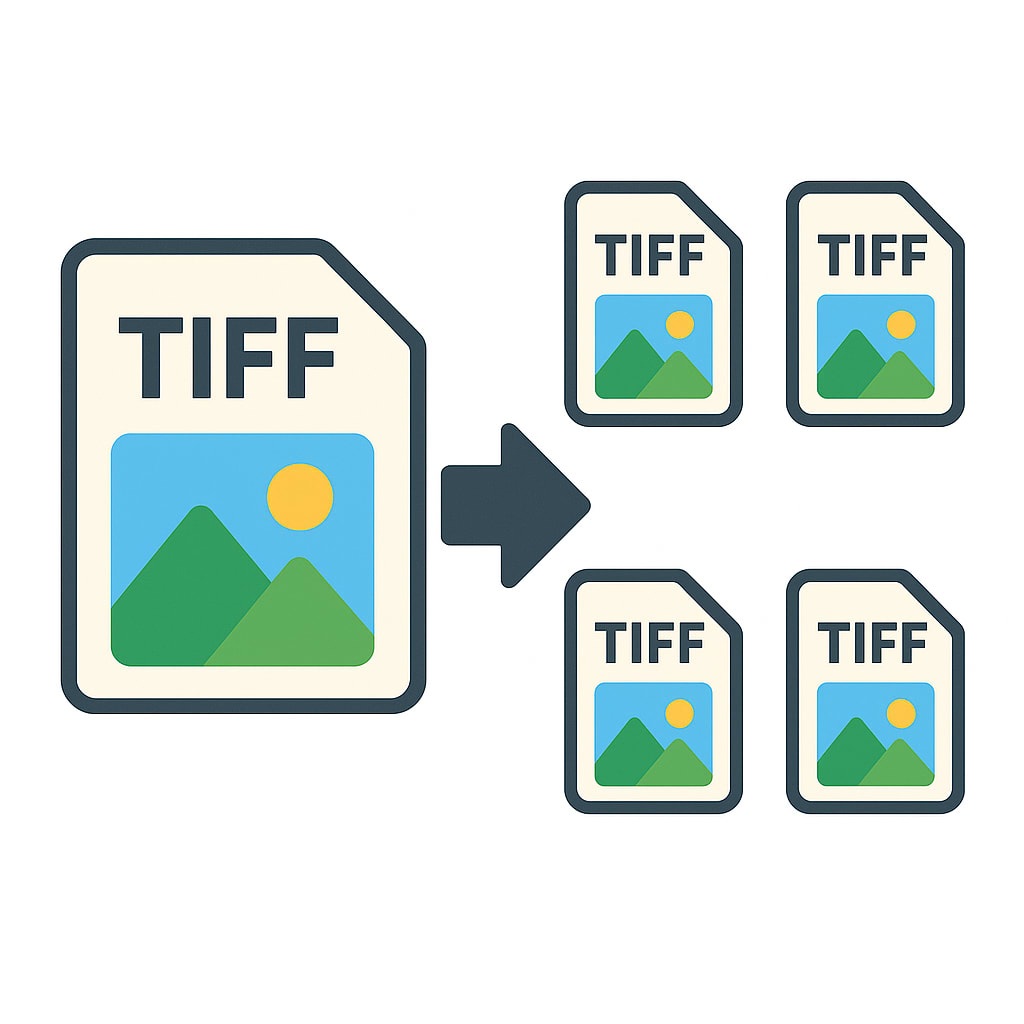
Instantly Split Multi-Page TIFFs Online in Your Browser
Private & Secure Client-Side Processing
Flexible Page Selection and Splitting Options
Smart File Naming and Output Organization
No-Upload Architecture – Files Stay on Device
Privacy-First Online TIFF Splitter
Unlike traditional online tools that force you to upload large, sensitive files to their servers, our Online TIFF Splitter runs entirely within your browser natively. Your confidential documents never leave your device or travel over the internet, ensuring proper compliance with secure workflow standards and giving you 100% data privacy.
Instant Splitting — No Frustrating File Limits
By completely eliminating the need to upload files, you'll save tremendous amounts of time and bandwidth. You can easily process massive, gigabyte-sized TIFFs instantly using your computer's own processing power. Experience flawless performance even if your internet connection drops or is painfully slow.
Split Multi-Page TIFFs with Precision
Effortlessly break down massive, multi-page TIFF files into single, manageable pages. This is perfect for more efficient sharing, easier editing, and better storage management. It's incredibly useful if you deal with batch-scanned documents, large fax archives, and digitized enterprise reports that require you to access or reorganize individual pages on the fly.
Extract Specific Pages or Custom Ranges
Take control by selecting exactly which pages you want to extract. Whether you need an isolated single page, a specific custom range, or want to split the document at regular intervals, our tool makes it simple. It's ideally suited for complex workflows like invoice reviews, patient file abstraction, or careful legal document submission systems.
Smart File Naming and Organized Outputs
We help you maintain strict order with logically and automatically generated filenames for every single split page. This thoughtful feature gracefully streamlines your batch processing, making high-volume tasks like legal discovery, corporate enterprise scanning, and tedious archival systems a breeze.
Live Page Preview Before Splitting
Say goodbye to frustrating mistakes. With our built-in live preview of all TIFF pages, you can comfortably verify the order, read the content, and double-check your selection before committing to the split. This invaluable feature ultimately saves you time and prevents annoying rework.
Drag-and-Drop Simplicity
We've designed our interface purely for speed and maximum ease of use. Rapidly load your files using a straightforward drag-and-drop mechanism. Forget about technical setups or getting lost in complex navigation menus — just directly drag in your TIFF file and begin splitting instantly.
Fast, Reliable TIFF Splitting in Your Browser
Cleanly separate large TIFFs in mere seconds without ever sacrificing performance. Our tool was carefully engineered specifically for users who demand consistent, highly reliable results under heavy daily workloads — ranging from busy office scanning stations to massive enterprise digitization projects.
Accessible Across Devices — Offline Capable PWA
Need to use our TIFF splitter online? You can access it from literally any modern browser on a desktop, laptop, or tablet. Absolutely no bulky software installation is required. Even better, as a modern Progressive Web App (PWA), it seamlessly continues to work even when you lose your internet connection! Enjoy the rock-solid reliability of a traditional desktop tool fused with the unmatched convenience of the modern web.
Comprehensive Splitting Settings
Tailor the splitting process to your exact use case with our advanced configuration options:
- Flexible Split Modes: Choose to split every single page, extract custom comma-separated page ranges (e.g., 1-3, 5, 8-10), or automatically split every N pages.
- Versatile Output Options: When extracting ranges, decide whether to output each range as a separate TIFF or merge all extracted ranges into a single new TIFF document.
- Smart File Naming Strategy: Keep your outputs organized by retaining original filenames with page indices, using sequential numbering, or applying your own custom prefix.
- Pro-Level Compression Control: Optimize your output file sizes by choosing from standard compression algorithms including LZW (Lossless), JPEG (Lossy), PackBits, or No Compression.
Frequently Asked Questions:
- Is the TIFF splitter free to use?
- Yes, our TIFF splitter provides a fully functional free trial with no restrictions on features—only the number of file operations is limited. You don't need to create an account to try it out. If you need unlimited operations, we offer a simple one-time license purchase.
- Are my TIFF files uploaded to your servers?
- Absolutely not. We designed this tool with your privacy in mind. All the splitting processing happens locally right inside your web browser. Your confidential files never leave your computer or mobile device.
- Can I extract specific pages from my TIFF file?
- Yes! You have full control. You can either extract a single page, pull out a specific custom range of pages, or split the document at regular intervals. It's perfect for pulling out exactly what you need.
- Do I need to download any software?
- No downloads are required. The tool works securely directly in your modern web browser whether you're on a desktop, laptop, or mobile tablet. It even functions offline as a Progressive Web App (PWA) once loaded.
- Is there a file size limit for the TIFFs I want to split?
- Because the processing relies entirely on your device's own hardware instead of our servers, there are no strict artificial file size limits. You can process gigabyte-sized TIFFs as quickly as your device can handle them, saving you significant time and bandwidth.